
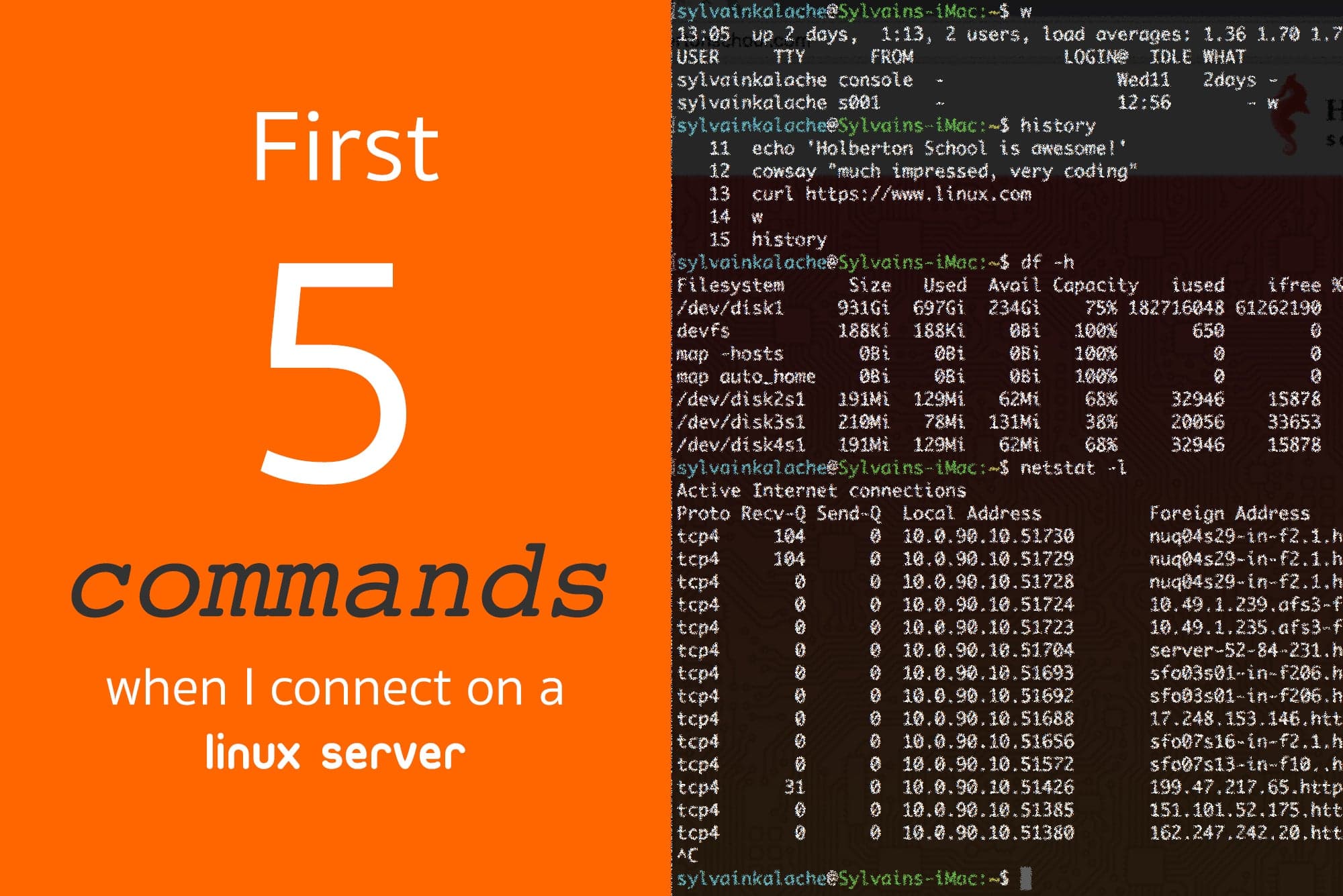
First 5 Commands When I Connect on a Linux Server
After half a decade working as a system administrator/SRE, I know where to start when connecting to a Linux server. There is a set of information that you must know about the server in order to properly debug it.
First 60 Seconds on a Linux Server
These commands are well known for experienced software engineers but beginners getting started with Linux systems may find them unfamiliar. The five essential commands are:
whistorytopdfnetstat
These are shipped with any Linux distribution, so you can use them everywhere without extra installation.
w
This command reveals uptime (how long the server has been running continuously), which users are connected, and load average information that indicates server health.
history
This shows what was previously run by the current user. You'll learn what type of work was performed on the machine, what could have gone wrong, and where to start debugging.
top
Displays all running processes, allowing you to order them by CPU and memory utilization to identify resource-intensive processes.
df
Shows disk space usage. Running out of disk space is a classic issue, so checking available storage is critical.
netstat
Reveals what ports and IPs your server listens on and which processes use those connections. This is vital for understanding network communication.
Customization
This list may change depending on your specific goals and existing information. For performance-specific debugging, alternatives exist — Netflix developed a customized list for their needs.
Topics